Moving Into a New Home? Why Rekeying Your Locks Should Be Your First Step

Moving into a new home is exciting, but don’t forget about security. One of the first things you should do is rekey your locks.

What Is Rekeying?

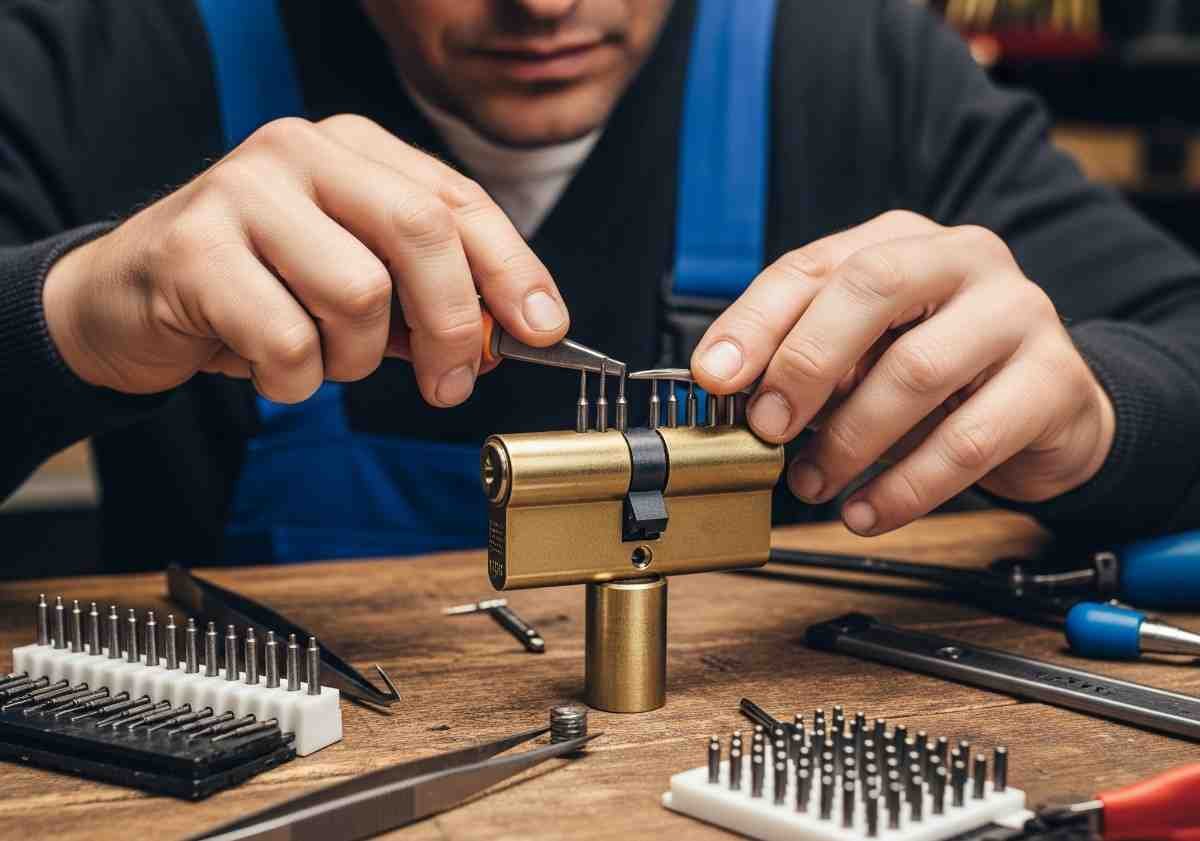
Rekeying changes the pins inside your locks so old keys no longer work. It’s faster and cheaper than replacing the entire lock.

Why Rekeying Is Important for New Homeowners

  • You don’t know how many copies of your old keys exist.
  • Former owners, contractors, or neighbors may still have keys.
  • It’s an affordable way to gain full control of your new home’s security.

Rekeying vs. Replacing Locks

  • Rekeying: $20–$40 per lock (fast, affordable).
  • Replacing: $90–$200 per lock (needed if locks are damaged or outdated).

When to Replace Instead of Rekey

  • Locks are worn or damaged.
  • You want to upgrade to smart locks or high-security locks.

Final Thoughts

Rekeying is a simple, cost-effective way to secure your new home. Don’t wait — make it your first priority after moving in.

Business Security 101: Protecting Your Office or Store with Access Control

Businesses face unique security challenges. Access control systems ensure only the right people enter the right areas — protecting employees, customers, and assets.

Benefits of Access Control for Businesses

  • Keyless entry → no more lost keys.
  • Custom access levels for employees.
  • Audit trails/logs for accountability.
  • Integration with CCTV and alarms.

Types of Access Control Systems

  • Keypad locks
  • Card/fob systems
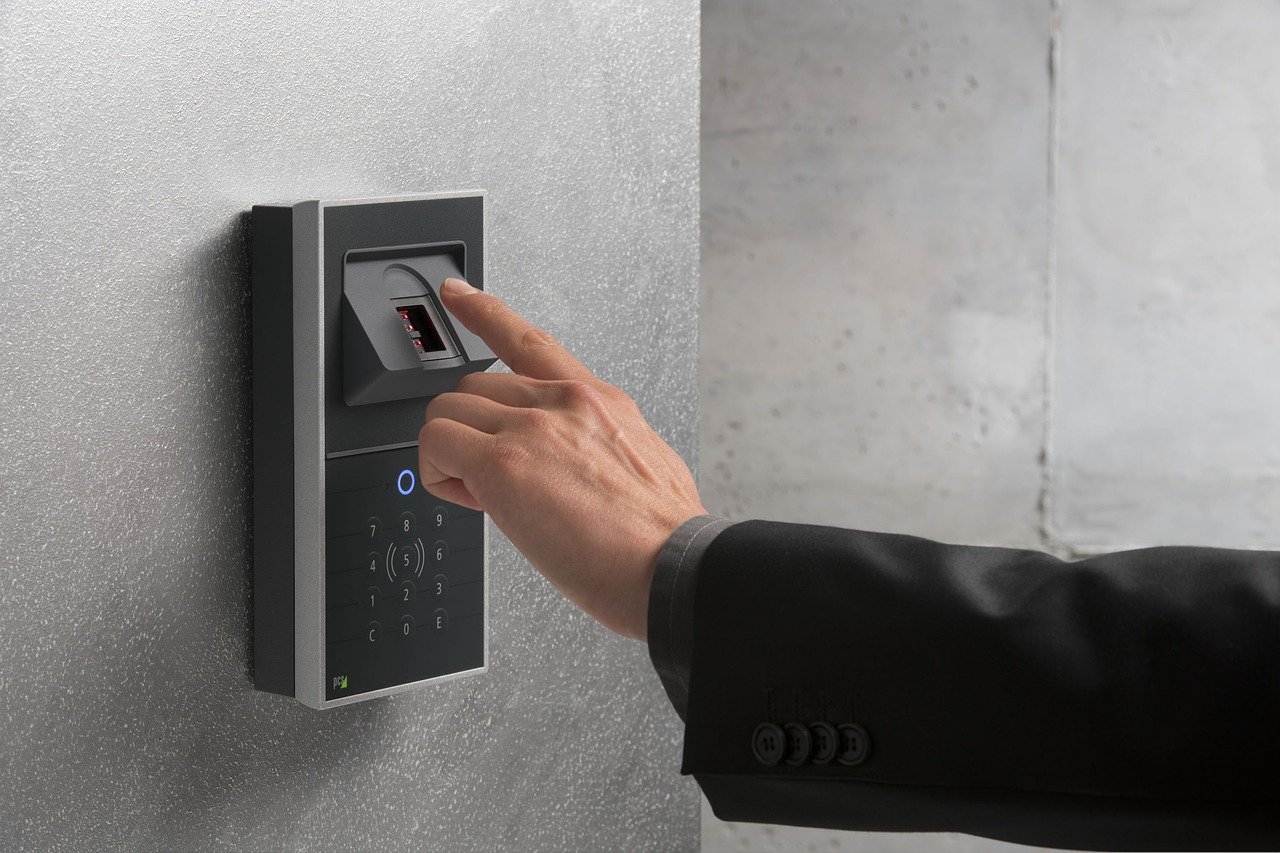
  • Biometric (fingerprint/face ID)
  • Cloud-based management systems

Which Businesses Benefit Most?

  • Retail stores
  • Offices
  • Warehouses
  • Schools and healthcare facilities

Final Thoughts

Investing in access control strengthens business security and boosts employee confidence.

Car Key Replacement: Why Locksmiths Beat the Dealership (Cost & Speed)

Losing your car key or fob can be stressful. Dealerships offer replacements, but they’re often slow and expensive. Here’s why calling a locksmith is the smarter choice.

Cost Comparison

  • Dealerships: $250–$600 (plus towing in some cases).
  • Locksmiths: $150–$350 (done on-site).

Speed Comparison

  • Dealership: Can take days to order/program.
  • Locksmith: Often within the same hour — mobile service comes to you.

Services Locksmiths Provide

  • Key duplication
  • Transponder key programming
  • Fob replacement
  • Laser-cut keys
  • Ignition repair

Final Thoughts

Locksmiths are faster, more affordable, and more convenient for car key replacement.

Emergency Locksmith Services: What You Need to Know Before You Call

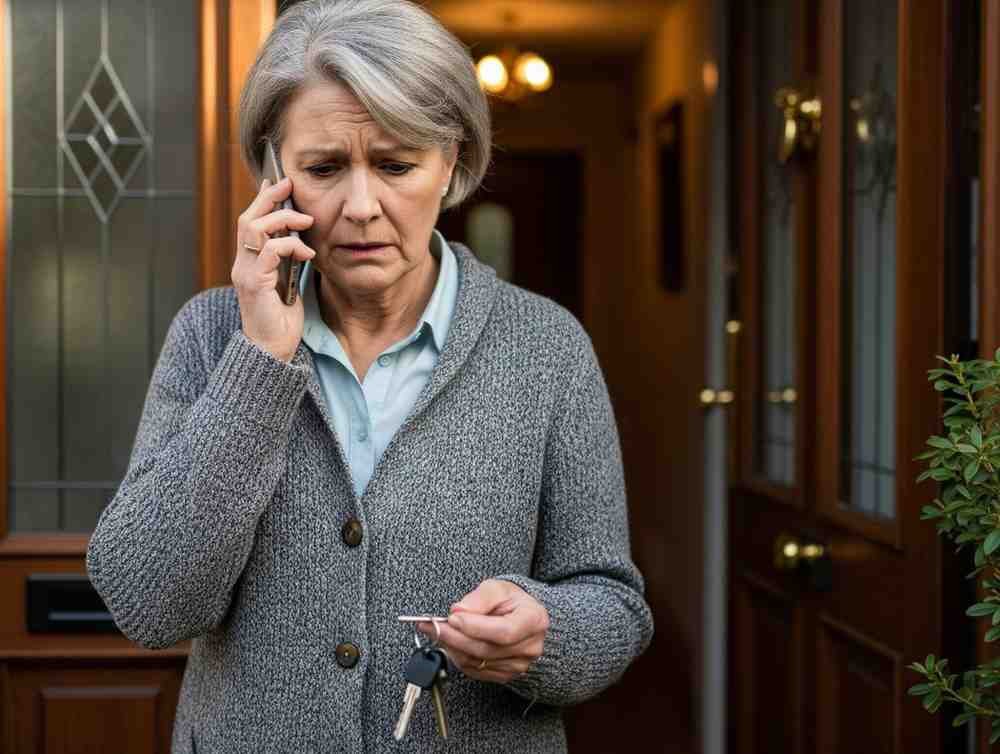
Getting locked out of your car, home, or office is stressful. Emergency locksmiths are here to help 24/7, but before you pick up the phone, here’s what you need to know.

What Qualifies as an Emergency Locksmith Service?

  • Car lockouts
  • Home lockouts
  • Office/business lockouts
  • Broken key extraction
  • Lock damage after a break-in
  • Urgent rekeying

What to Ask Before You Call an Emergency Locksmith

  • Are you licensed and insured?
  • What is your estimated response time?
  • Can you provide upfront pricing?
  • Do you offer 24/7 service in my area?

Why Choose a Professional Locksmith Over DIY?

  • Professionals use tools that prevent damage.
  • DIY methods can break locks or trigger alarms.
  • Locksmiths can also rekey or replace locks on the spot.

Final Thoughts

Emergency locksmith services provide peace of mind when you need help most. Always keep a local locksmith’s phone number saved so you’re prepared.

Smart Locks vs. Traditional Locks: Which One Should You Choose?

Today’s homeowners and businesses have more options than ever when it comes to securing doors. Should you stick with tried-and-true deadbolts, or upgrade to smart locks with digital access? Let’s compare.

Pros of Traditional Locks

  • Affordable and widely available.
  • Easy to install and repair.
  • No batteries or Wi-Fi needed.

Cons of Traditional Locks

  • Vulnerable to lock picking and bumping.
  • Lost keys mean rekeying or replacement.
  • No way to monitor access remotely.

Pros of Smart Locks

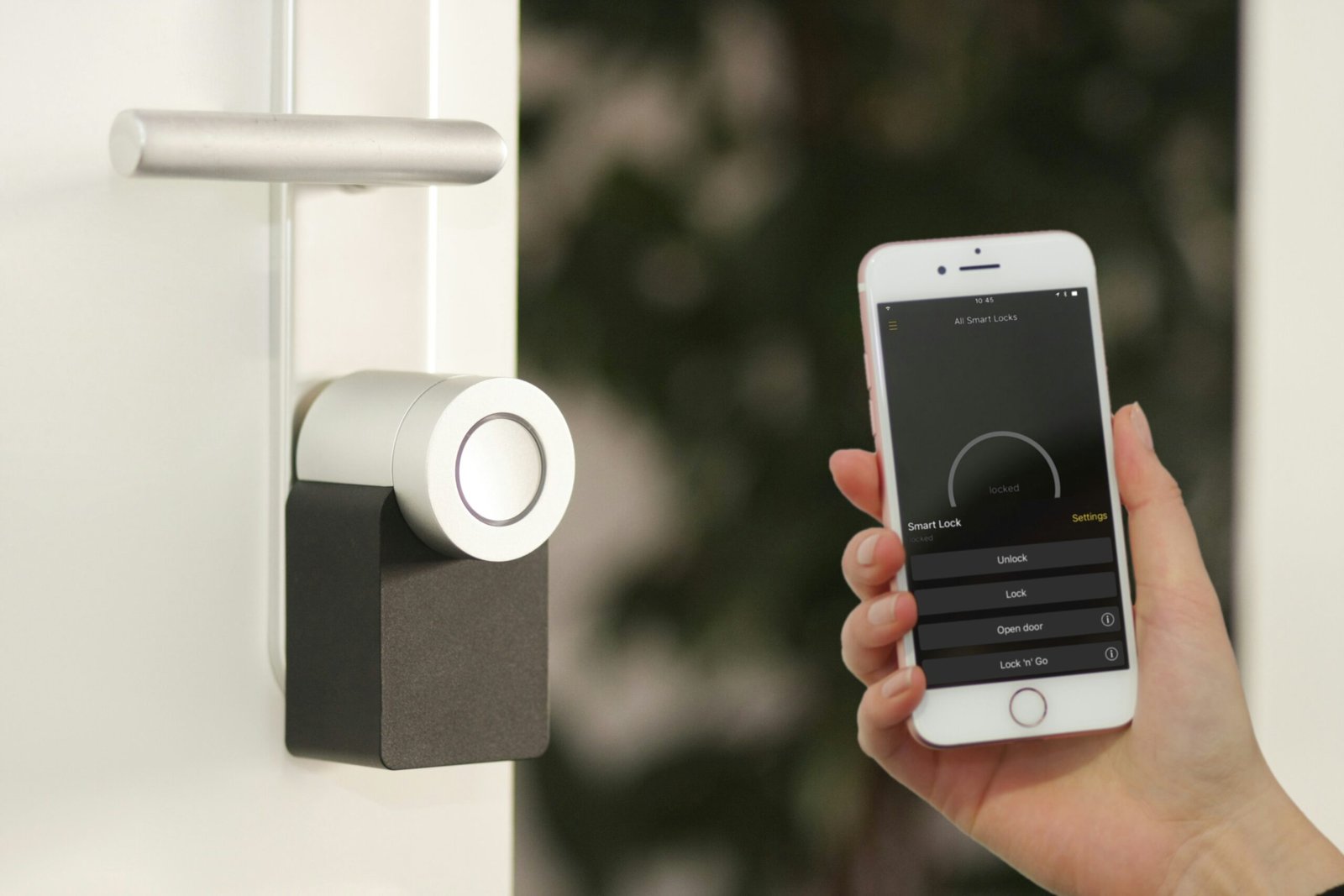
  • Keyless entry (codes, phone app, biometrics).
  • Remote access and monitoring.
  • Access logs for who enters/exits.
  • Temporary codes for guests or employees.

Cons of Smart Locks

  • Higher upfront cost.
  • Requires batteries or power source.
  • Dependent on Wi-Fi or Bluetooth.

Which Is Best for You?

  • Residential Use: Traditional locks work for most, but smart locks add convenience and peace of mind.
  • Commercial Use: Smart locks with access control are best for offices, retail, and warehouses.

Final Thoughts

Choosing between smart and traditional locks depends on your budget and needs. Many homeowners use a combination of both — high-security deadbolts for entry doors and smart locks for convenience.